


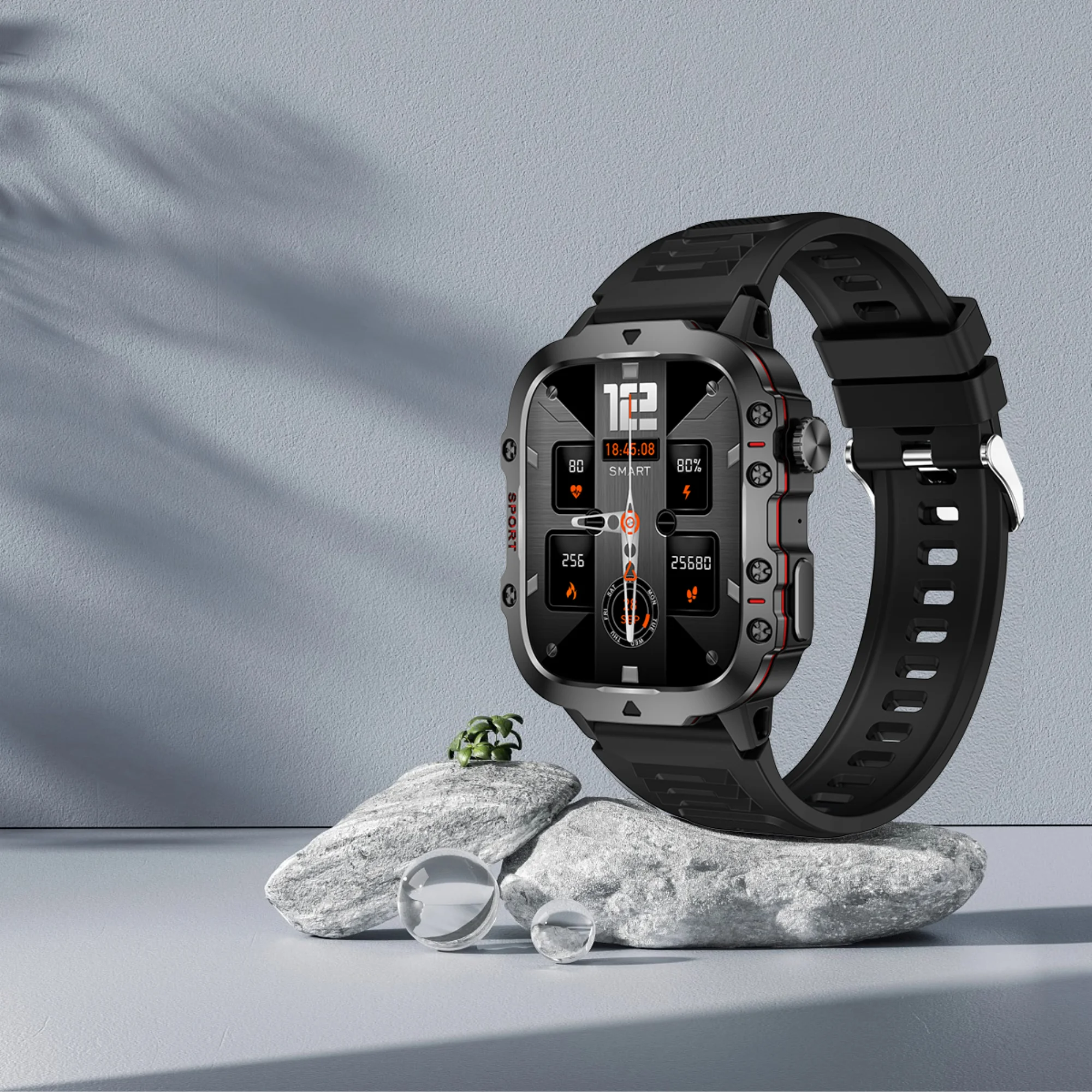
2024 Rugged Military Smart Watch Men Outdoor Watches lP68 Waterproof 2.01" Al Voice Bluetooth Call Smartwatch for Android LOS
2024 Rugged Military Smart Watch Men Outdoor Watches lP68 Waterproof 2.01" Al Voice Bluetooth Call Smartwatch for Android LOS
(Avec numéro de suivi) 14 mars - 26 mars
Couldn't load pickup availability
✅ LIGE Smartwatch Specifications
📦 Box contents
- 1 × Smartwatch
- 1 × Box
- 1 × Charger
- 1 × User manual
- 1 × Bracelet adjustment tool
⚙️ Main features
⌚ Category : Smartwatch (unisex)
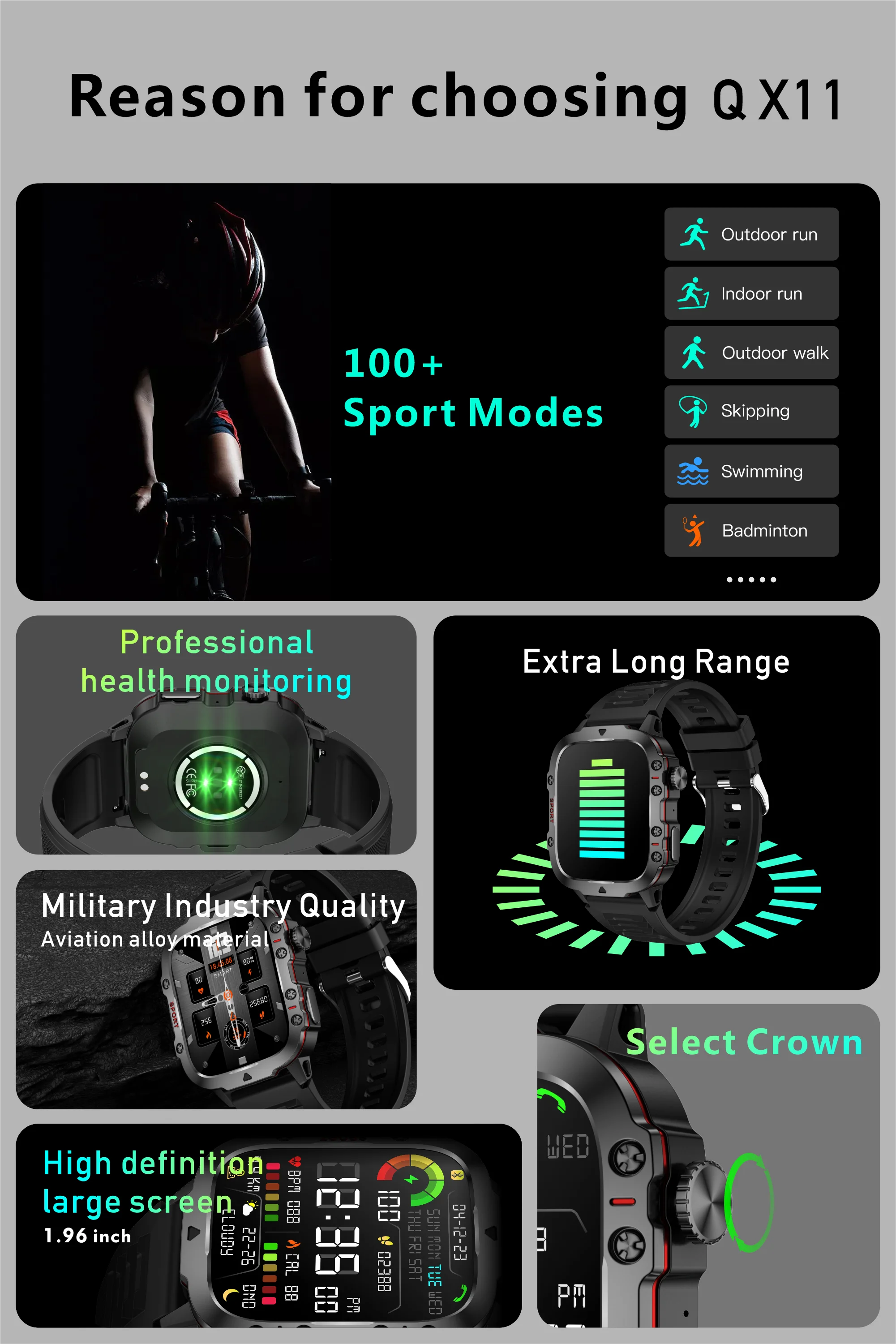
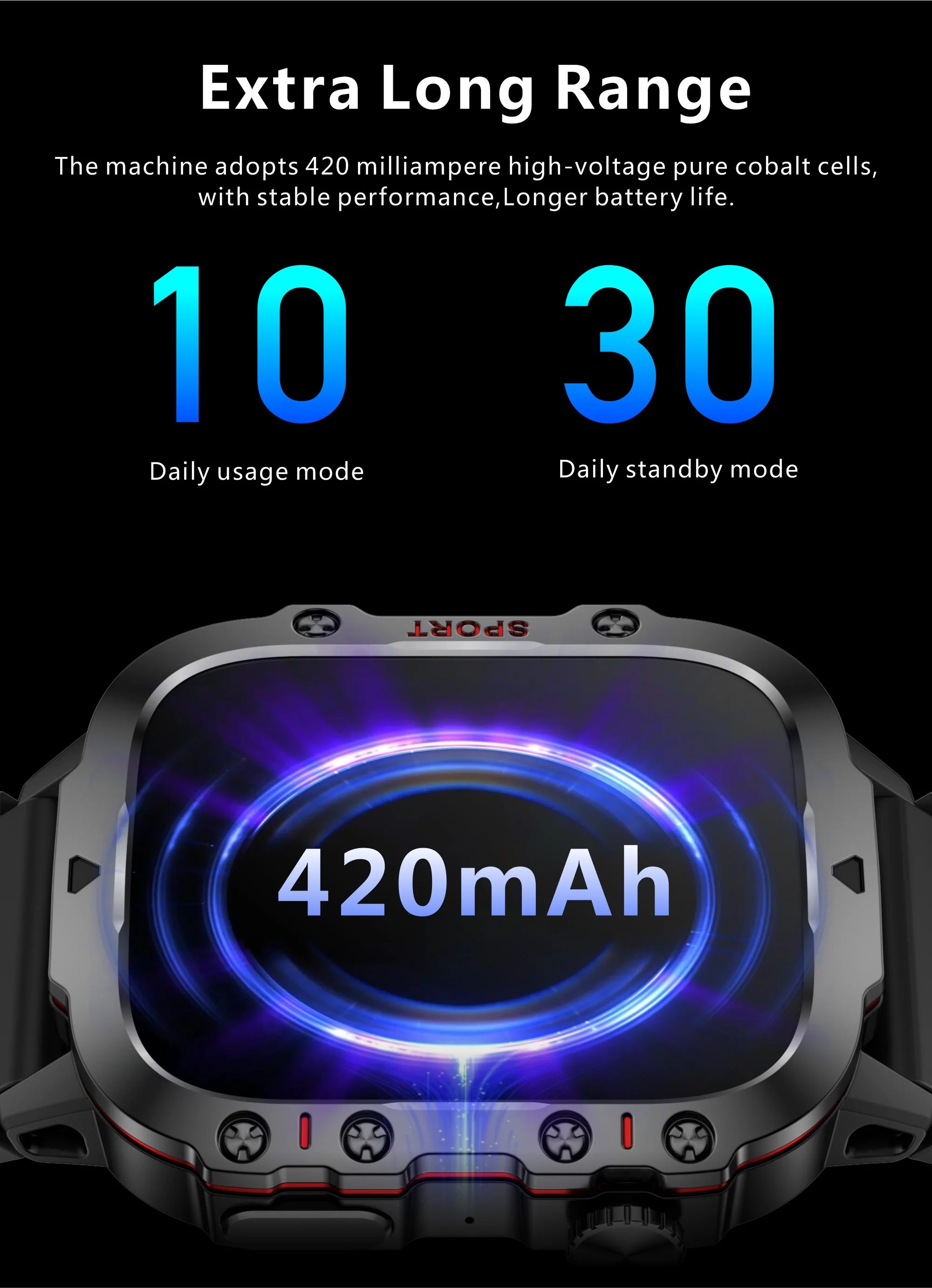
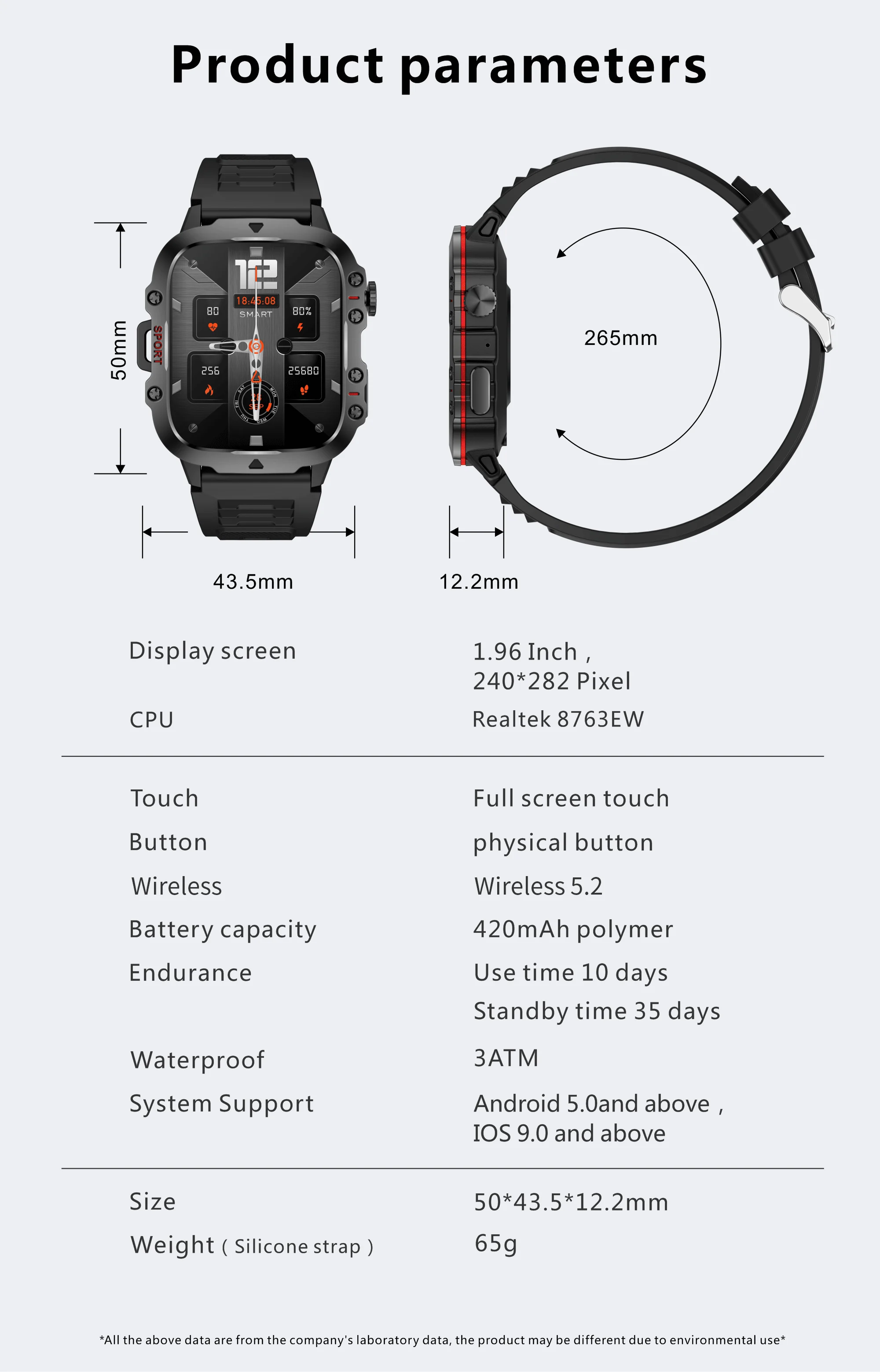
🔋 Battery : 420 mAh (7 to 10 days of use, ~50 days standby)
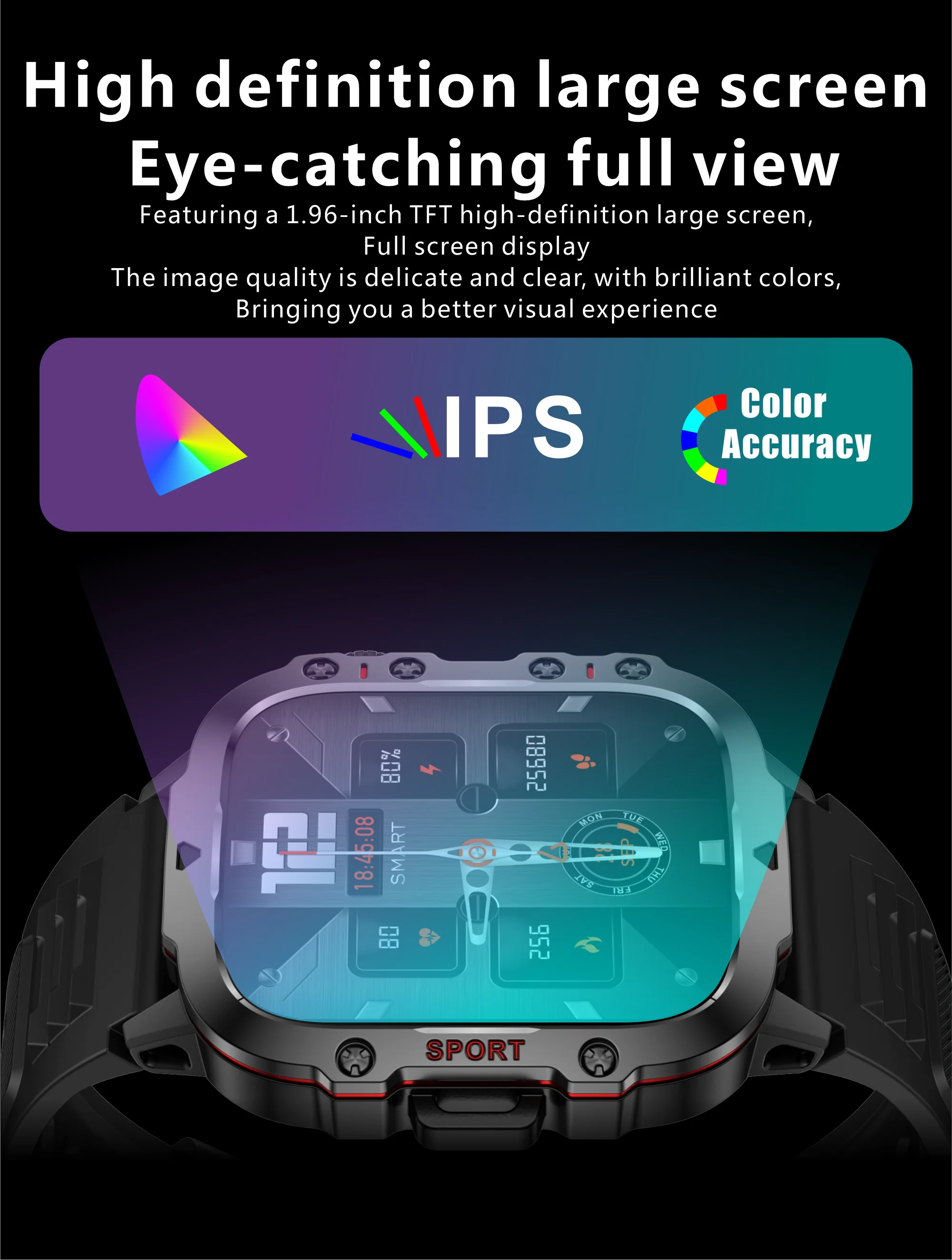
🖥️ Screen : 1.96'' HD – Full touchscreen
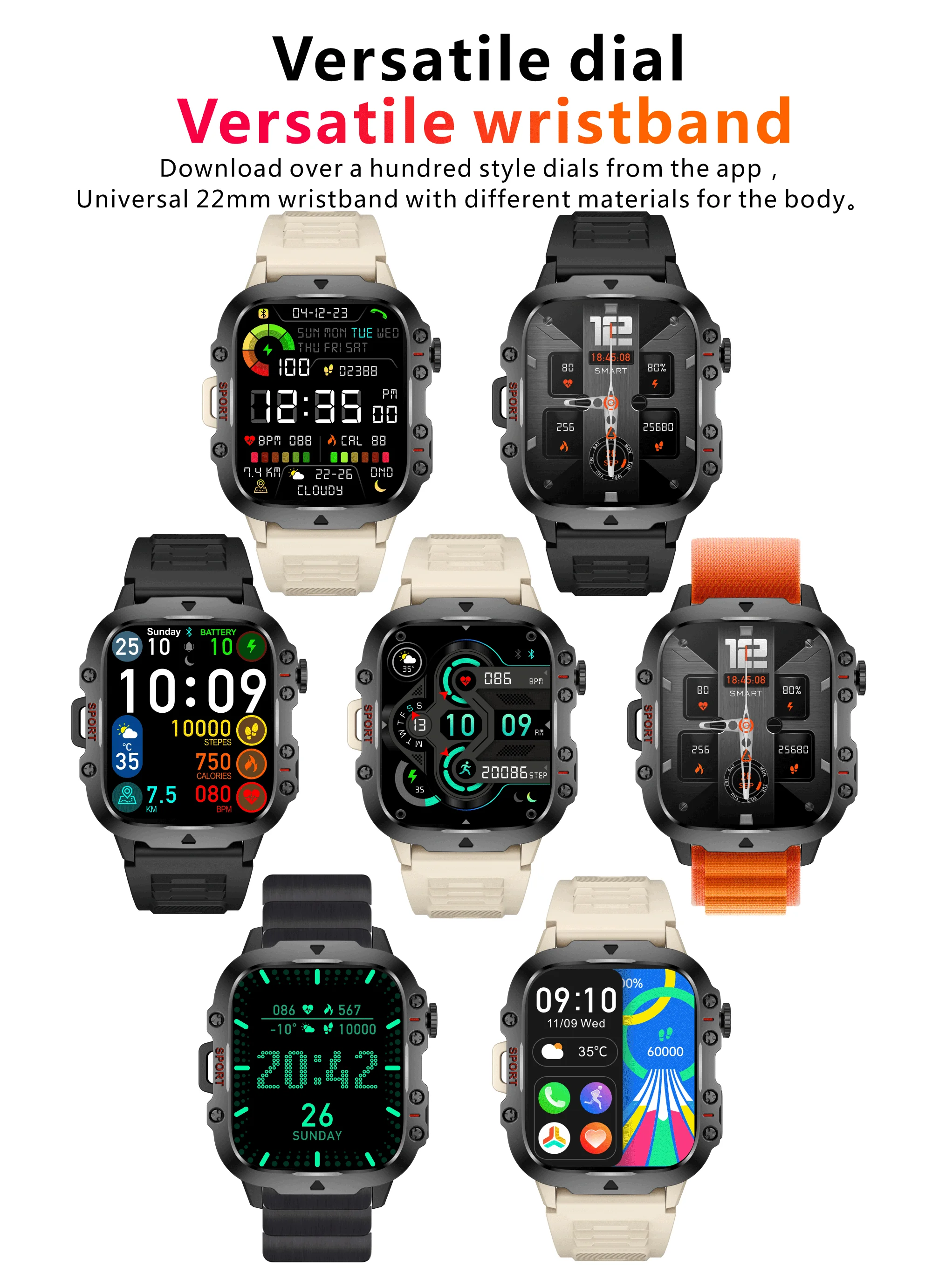
🎨 Multiple dials : Yes (customizable)
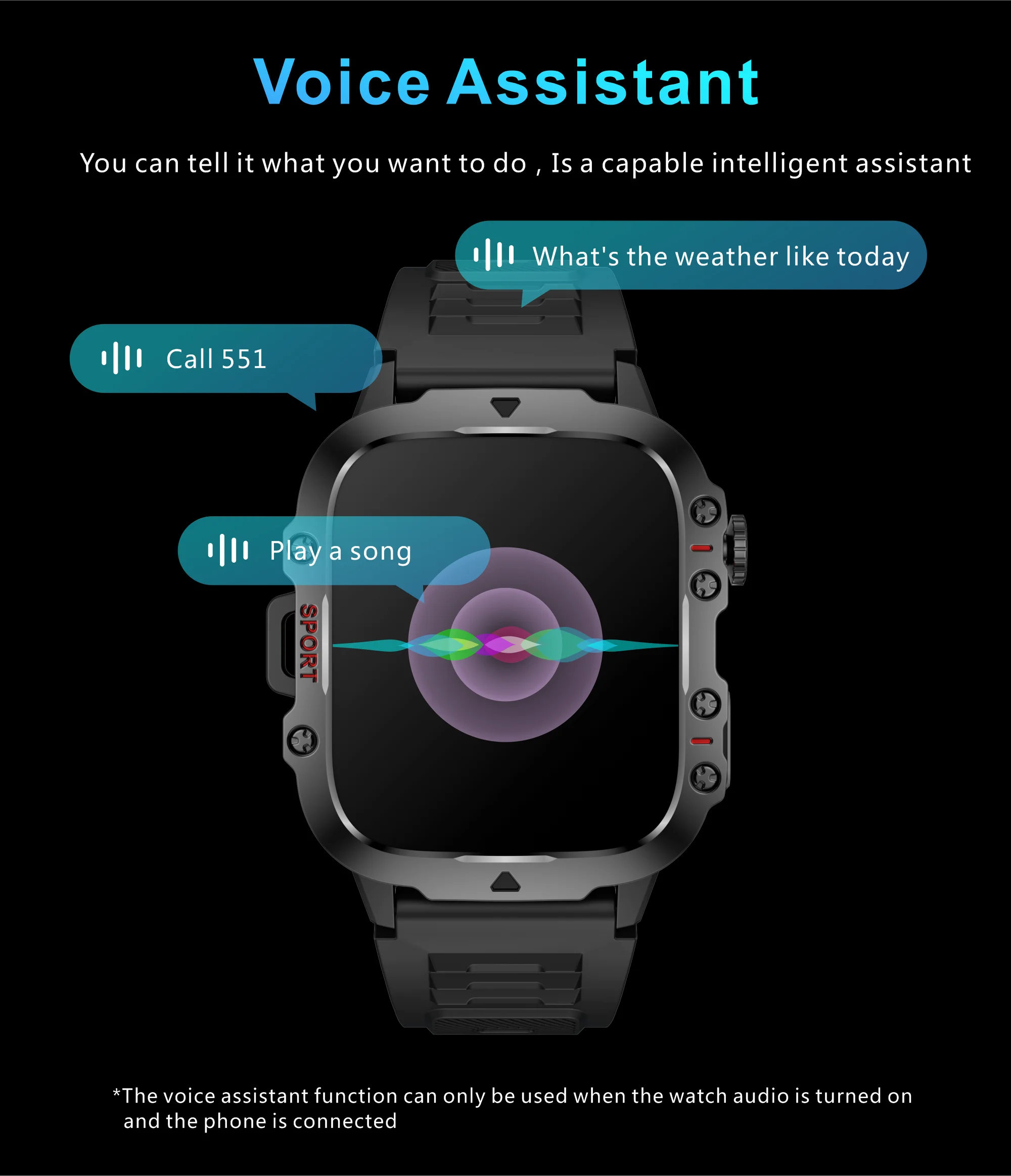
🎤 Built-in voice assistant : Yes
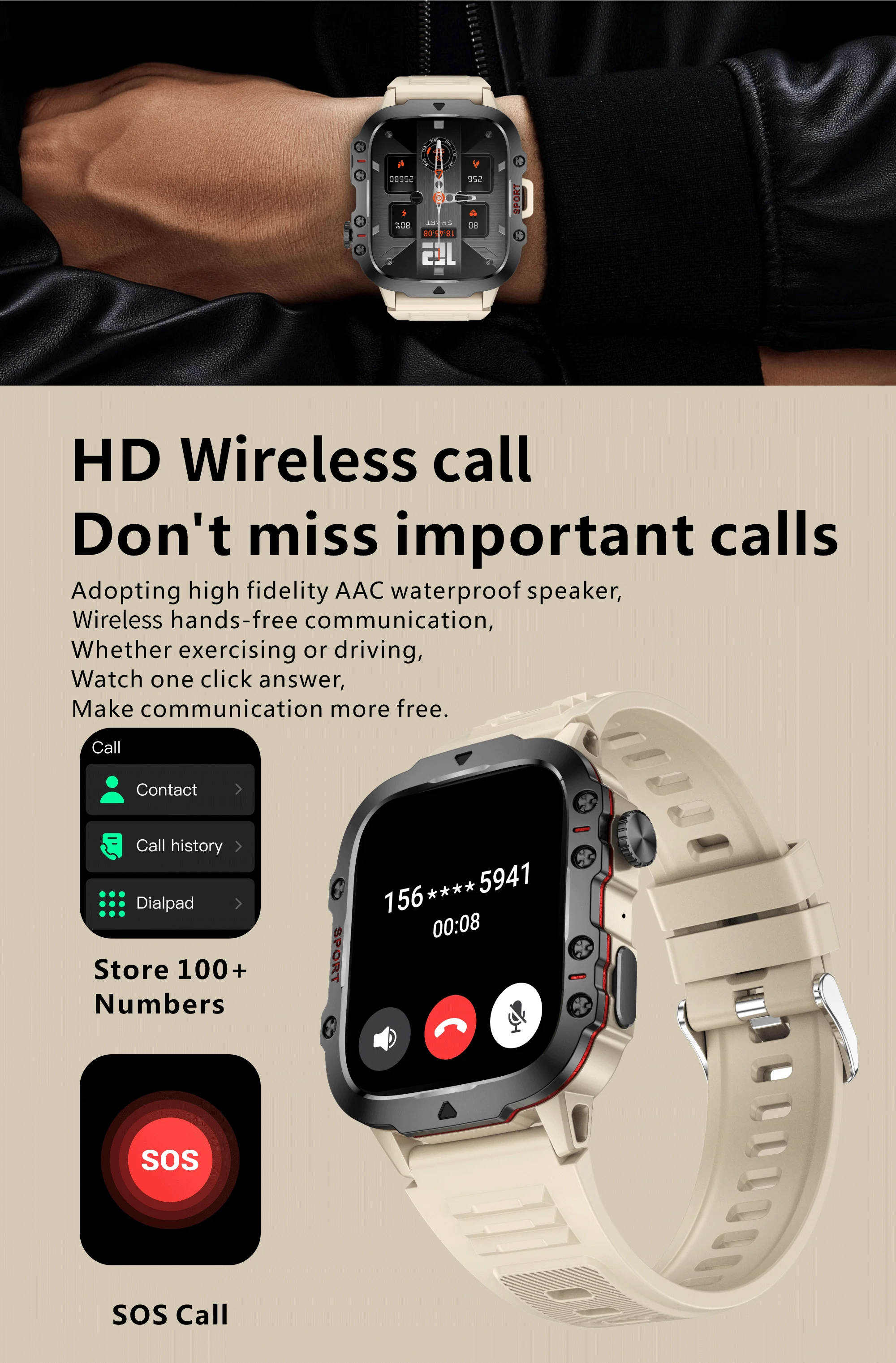
📞 Bluetooth Calls : Make and receive calls
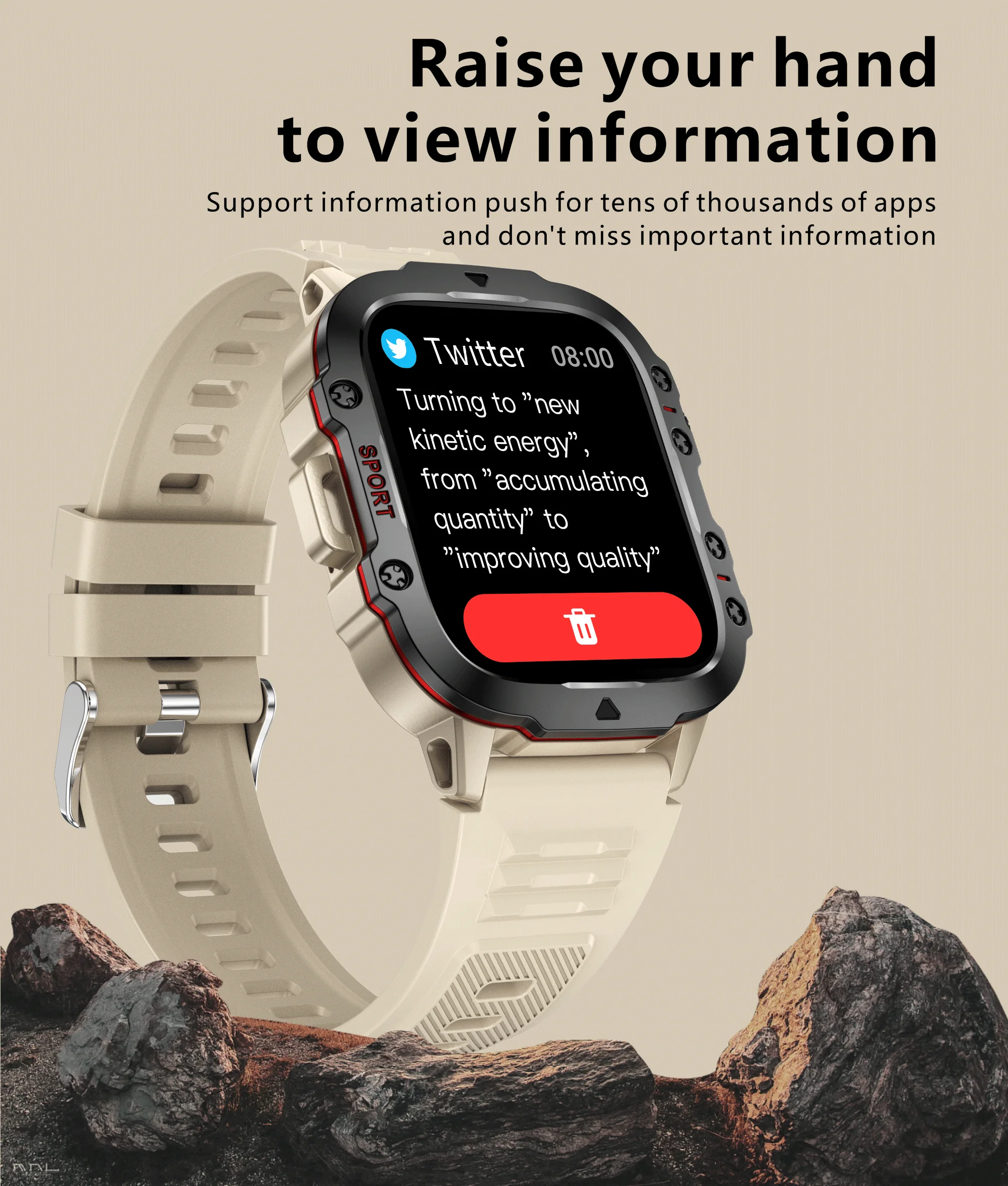
💬 Notifications : SMS, social media, call reminders
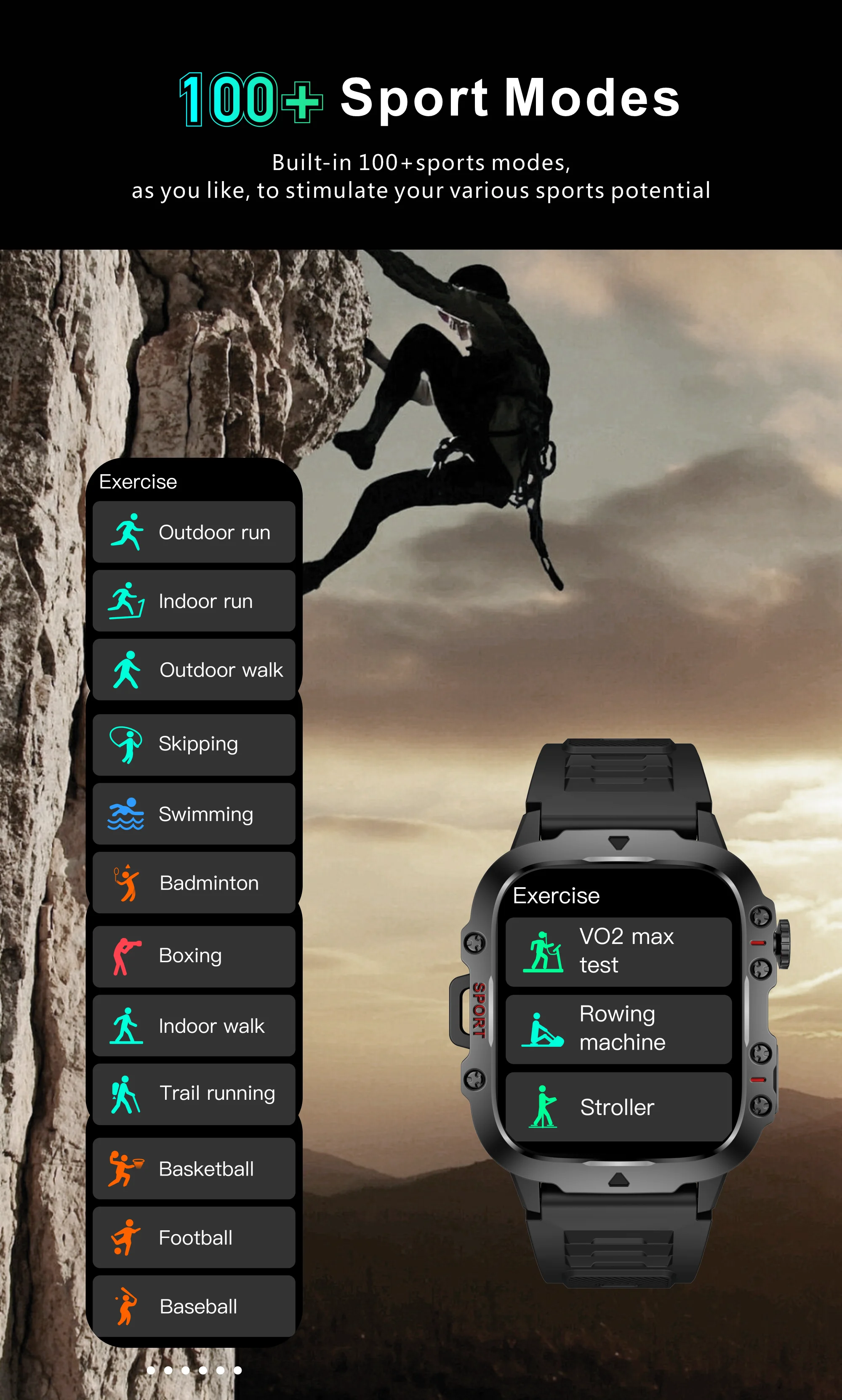
🏃 Sports modes : +100 modes available
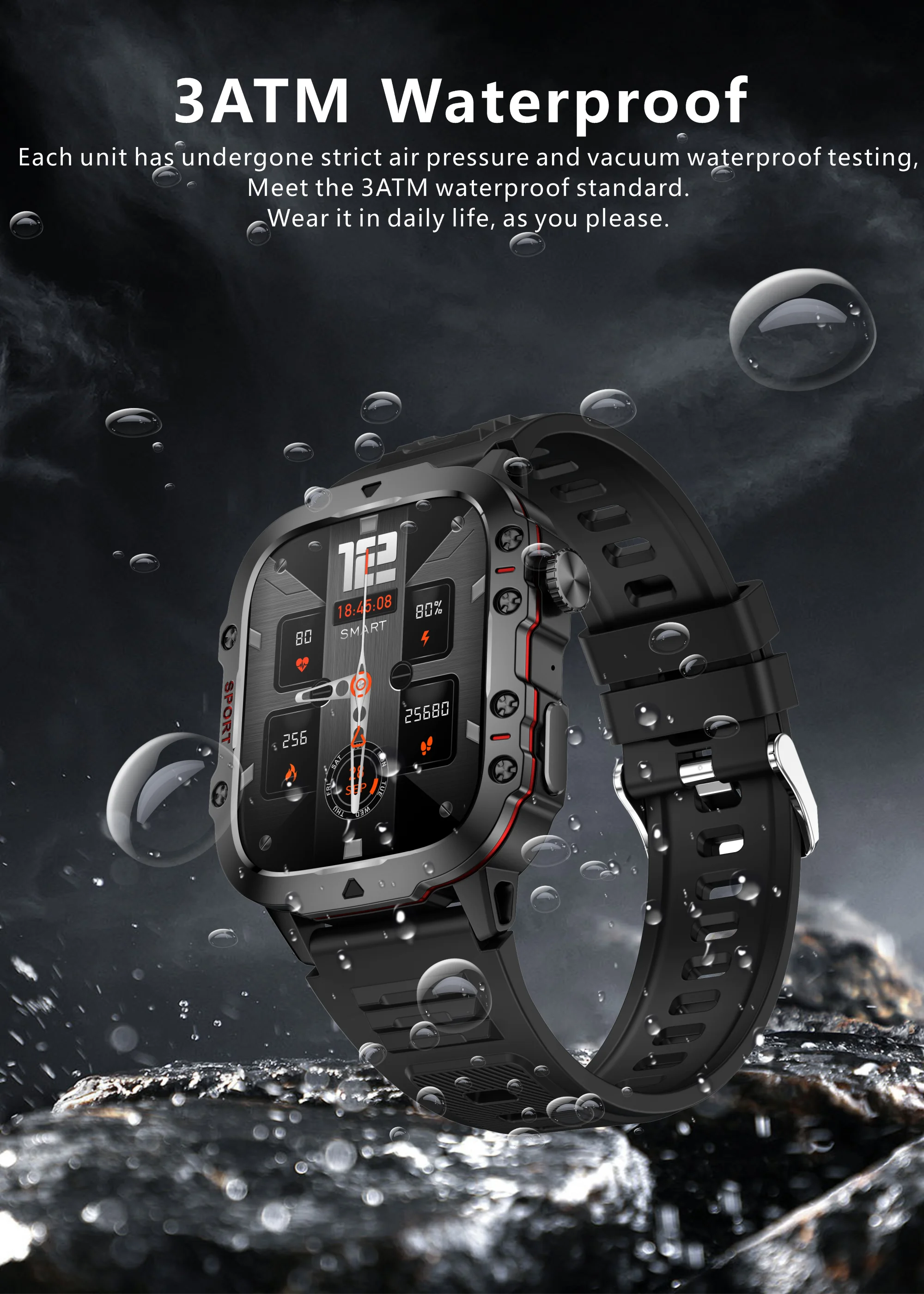
💧 Water resistance : 3ATM (resistant to everyday water)
📡 Compatibility : Android 4.4+, iOS 9.0+
🔗 Bluetooth : Version 5.2
💾 Memory : RAM 128 MB – ROM 128 MB
❤️ Health & Wellness
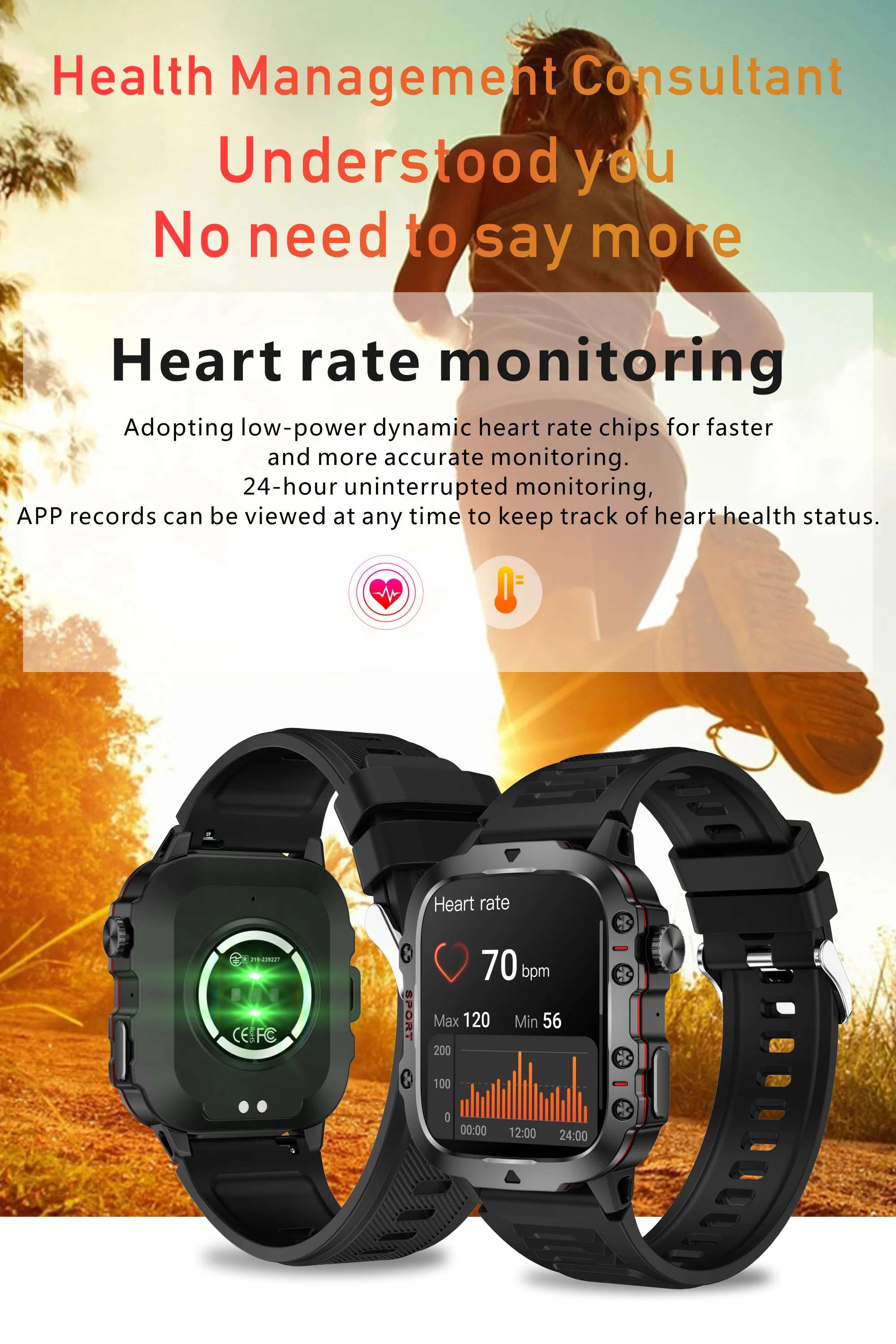
💓 Continuous heart monitoring
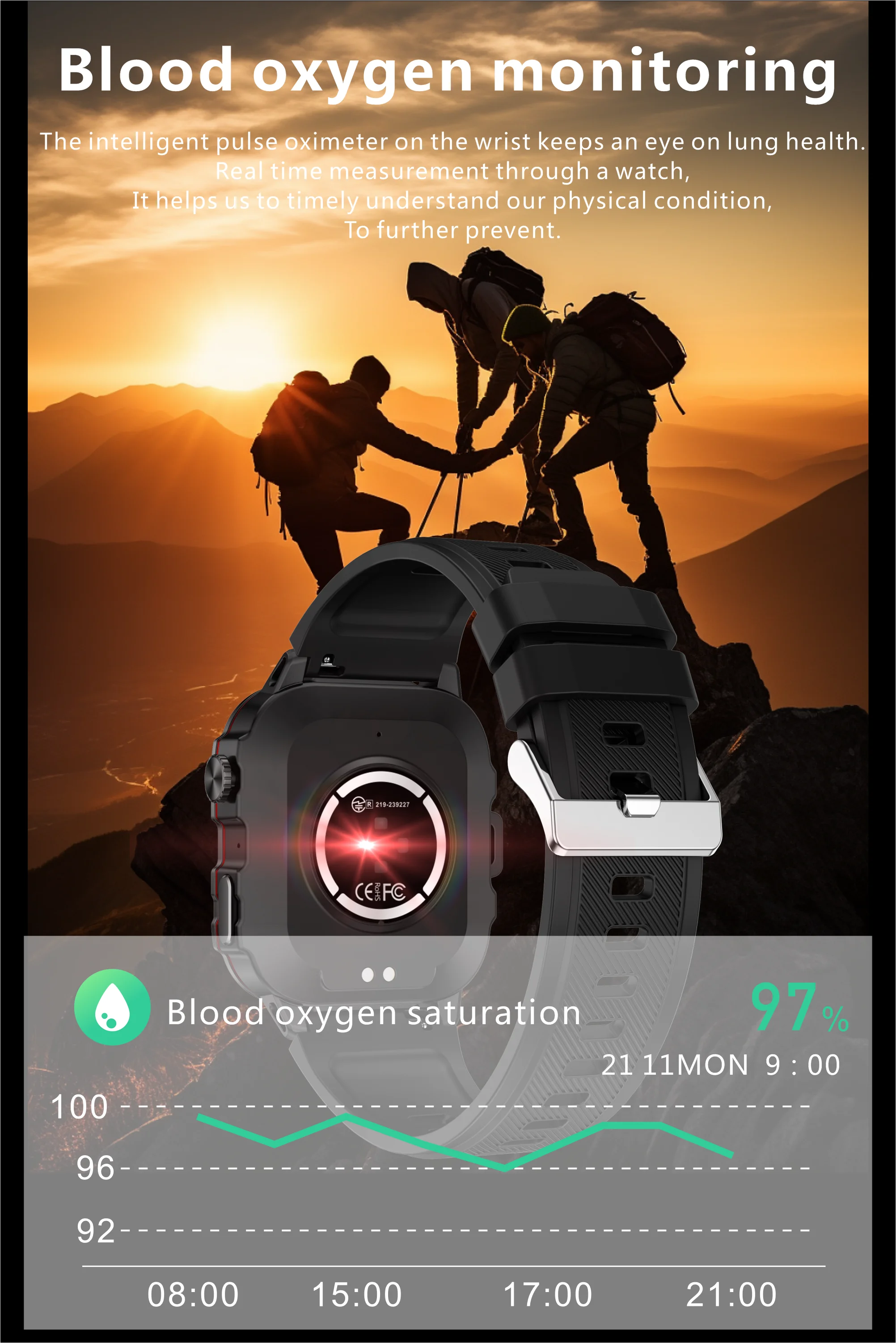
🩸 Real-time blood oxygen (SpO2)
🧠 Blood pressure
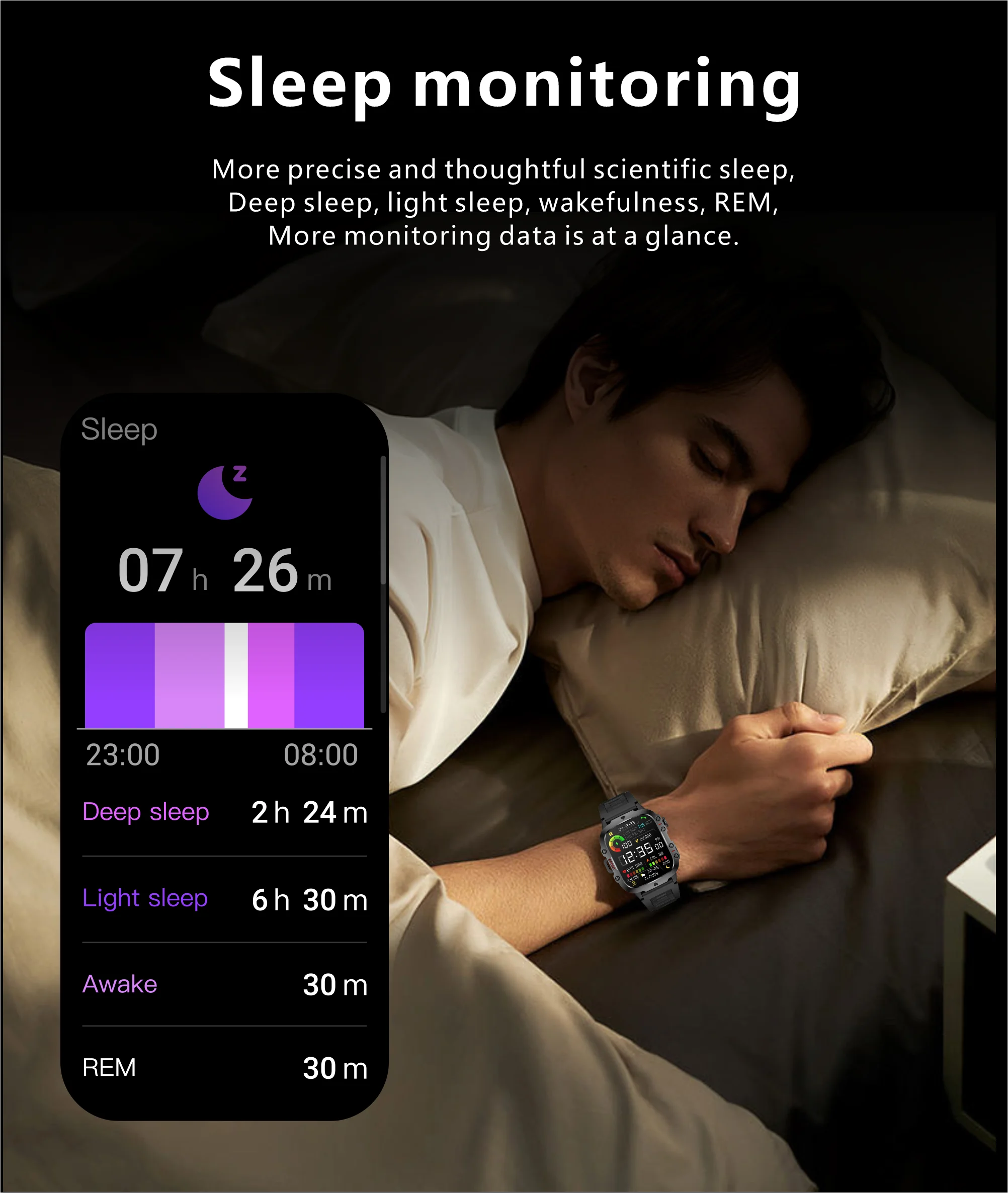
🌙 Sleep analysis
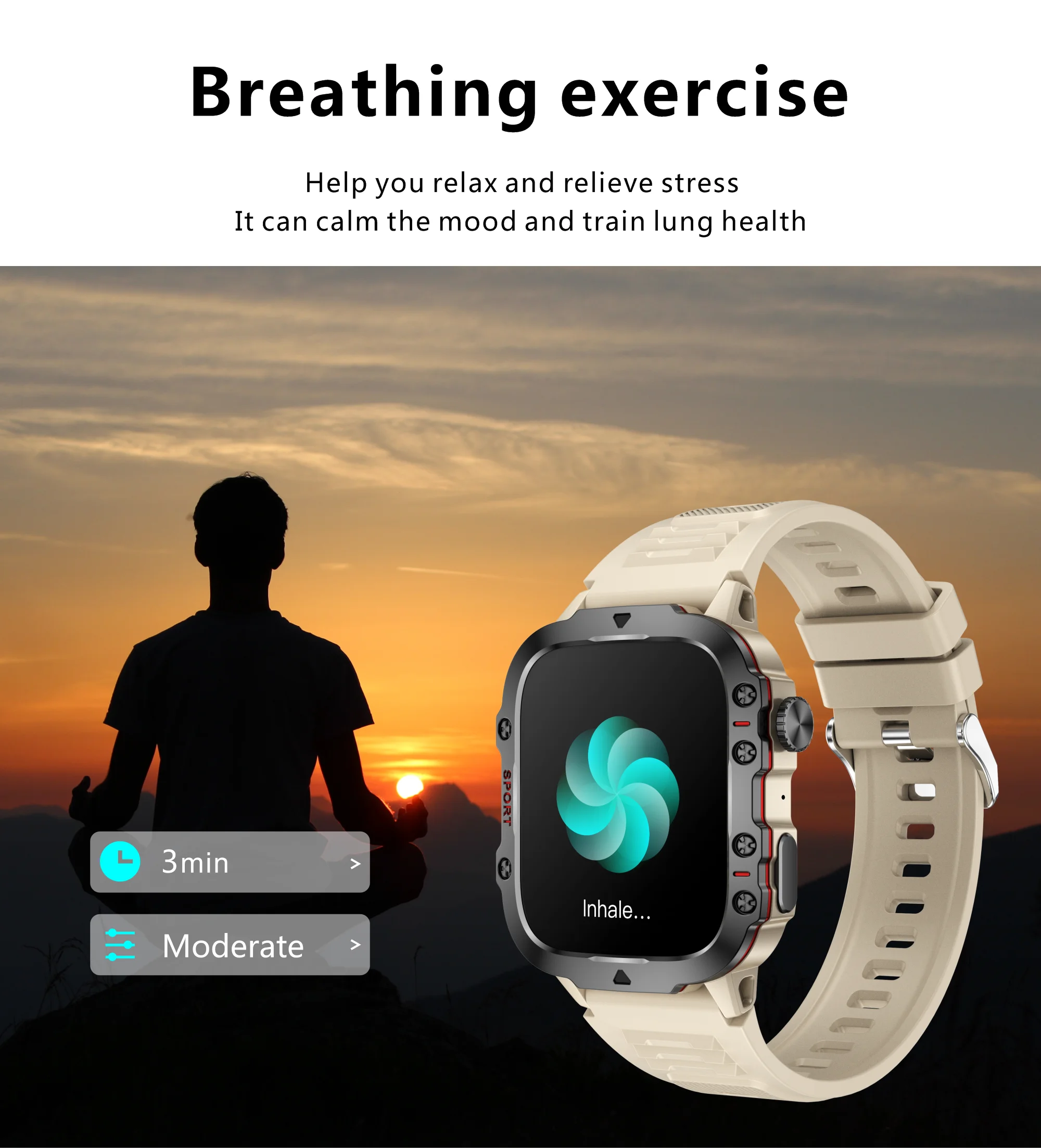
🧘 Breathing exercises
👩 Menstrual cycle tracking
🔥 Step counting, calories & distance
📲 Smart features
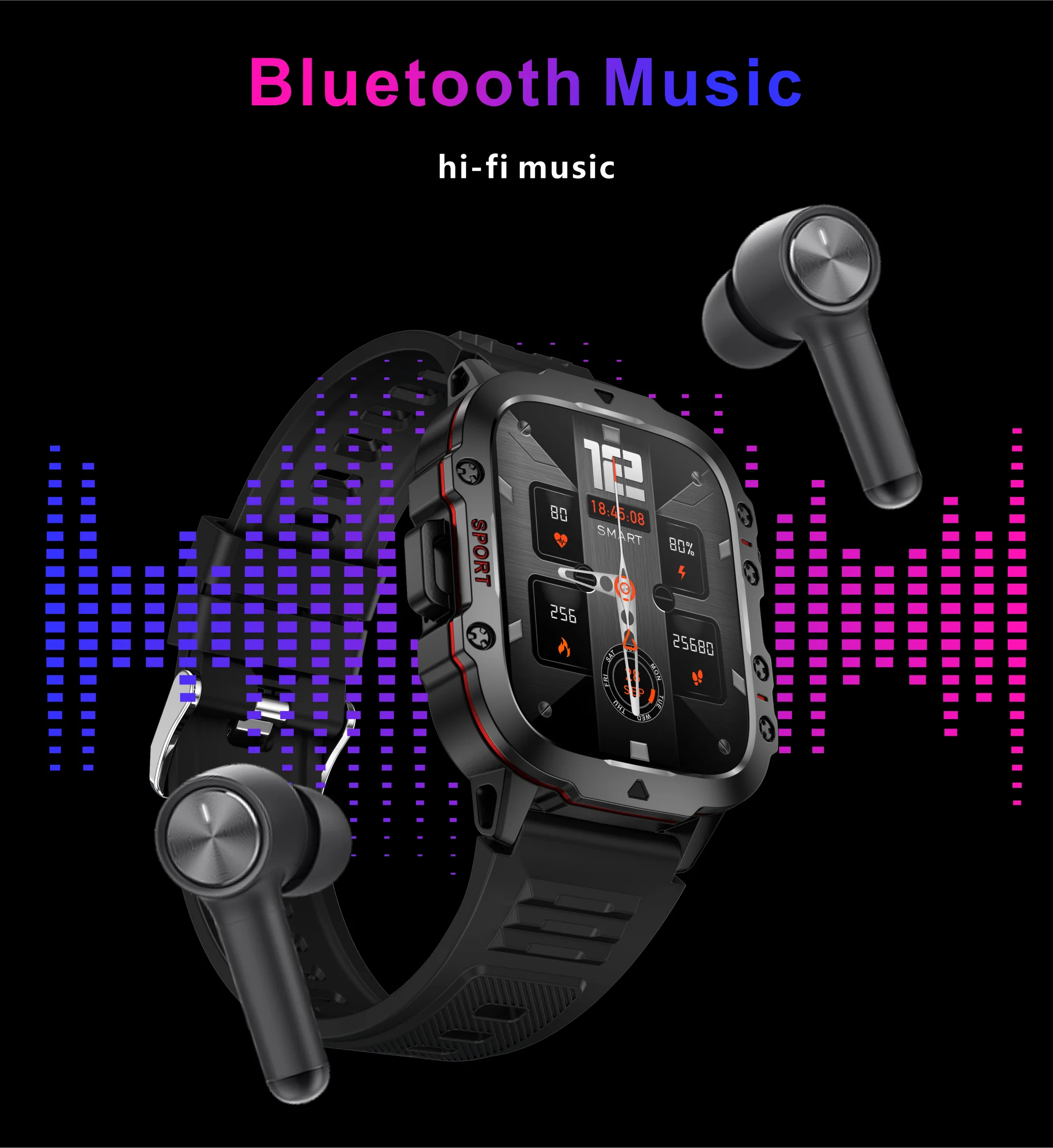
🎶 Interactive music (playback and control)
⏰ Alarm clock & timer
🕹️ Built-in mini-games + calculator
🌍 World Clock
☁️ Weather forecast
📷 Remote camera control
🔦 Flashlight
🙅 Do Not Disturb Mode
📳 Sedentary reminder
🔎 Bracelet location
🌐 Supported languages
🗣️ Watch languages : French, English, Spanish, German, Italian, Portuguese, Arabic, Russian, Turkish, Japanese, Korean, Chinese (Simplified & Traditional), Dutch, Vietnamese, and more.
📱 Application languages (GloryFit) : French + 20 others (including German, Italian, Arabic, Spanish, Russian, Japanese, etc.).
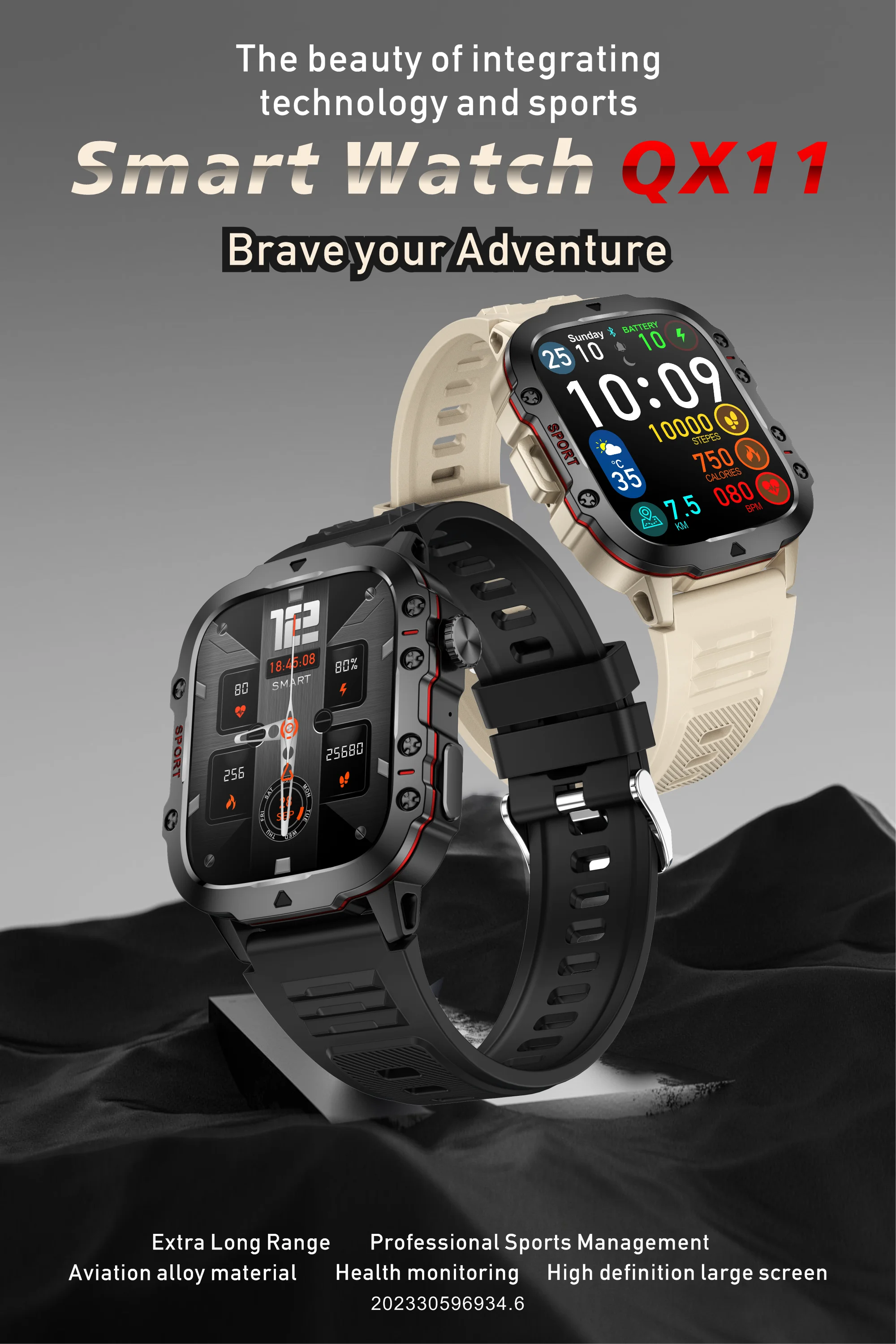
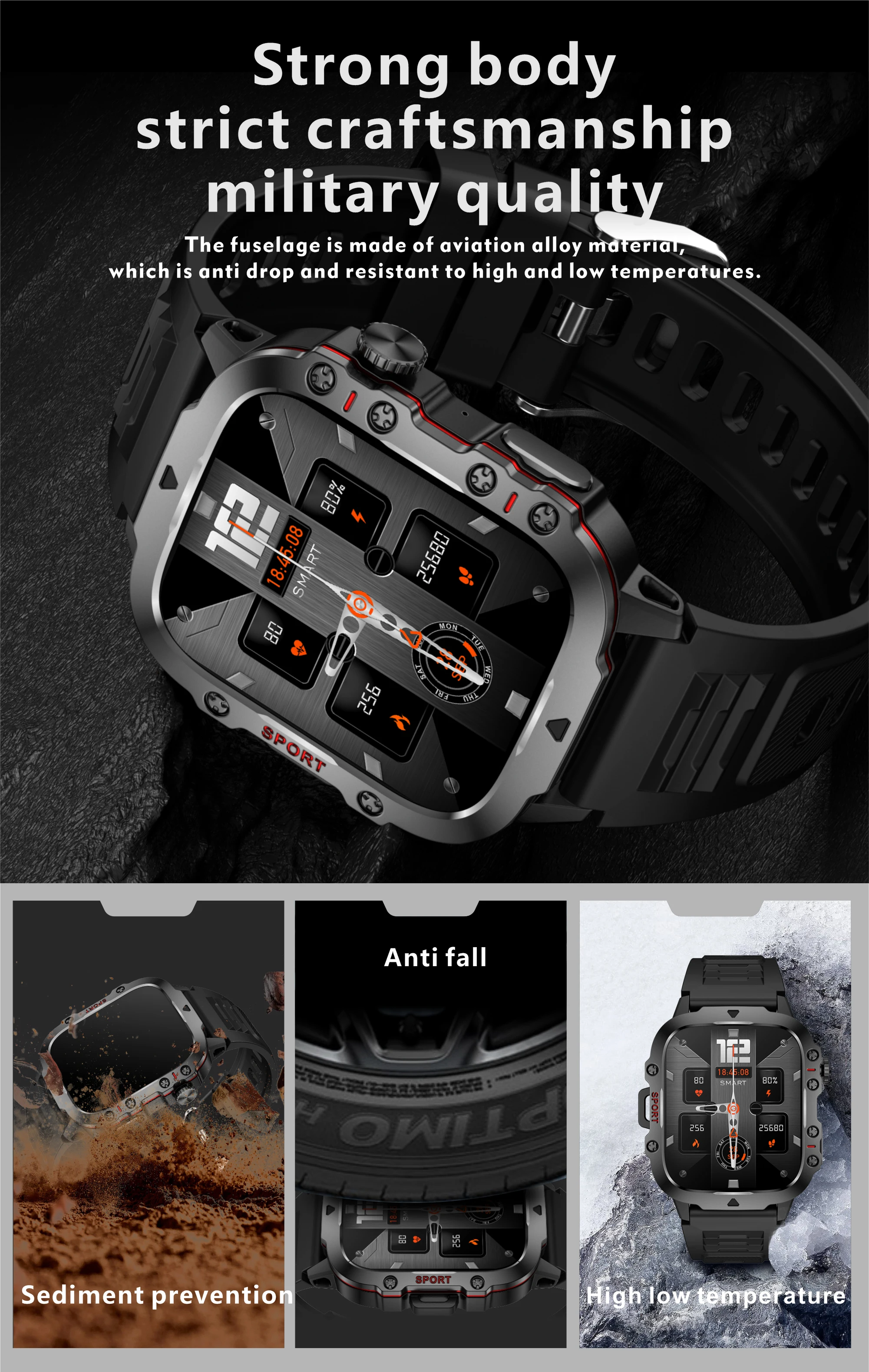
👉 In summary, this high-end smartwatch combines elegance (stainless steel, fashionable design) and technology (health, sport & productivity).
Perfect for everyday, professional or sports use.
Q: Why is the blood pressure reading deviated from the sphygmomanometer?
A: The difference between the watch reading and the sphygmomanometer reading is determined by a variety of factors. The sphygmomanometer's measurement site is in the radial artery, and the watch's measurement site is the two main branches of the arteriole. Normally, aortic and arteriole blood pressure readings will vary from three to forty. If you use a watch and a sphygmomanometer to measure at the same time, because the blood flows in the artery in the direction of the centrifugal force, the sphygmomanometer measures the pressure so that the lower part of your elbow is under pressure. The blood cannot temporarily flow smoothly to the branch of the artery below, and the vascular tension is increased, which will make the upper and lower blood pressure readings more skewed.
Q: Why can't the watch receive push messages?
A: Android Phone Settings 1. Confirm that the message push switch is enabled on the client mobile device. 2. The confirmation message should be displayed normally in the mobile phone's notification bar. The watch will send the message by reading the mobile phone's notification bar; if there is no message in the mobile phone's notification bar, the watch will not be able to receive the push (you need to adjust the notification settings in the phone's settings, open WeChat, QQ Phone, SMS, and the mobile client's notification button). 3. Open the bracelet client's auxiliary function settings (see the auxiliary function in the phone's settings and open the bracelet client's auxiliary function settings).
Apple phone settings: 1. Confirm that the push notification switch is enabled on the client mobile device. 2. The confirmation message can be displayed normally in the mobile phone's notification bar (You need to access the notification settings in your phone's settings, open WeChat, QQ Phone, SMS, and switch the mobile phone client's notification settings).
Q: Why isn't the pedometer counting steps even though I've already started walking?
A: To reduce errors, the smartwatch typically sets an initial value of 10; it counts steps when we walk more than 10 steps. The app will display the actual steps taken and will start counting from step 10.
Q: Which application is used when connecting to a smartphone?
A: The app is designed by the supplier. You can scan the QR code on the packaging or manual to download it when you receive the item.
Q: Why can't the device start or start properly?
A: Please charge your new device for at least 10 minutes before first use. This ensures normal startup and optimal performance. For devices with removable batteries, make sure they are properly installed before charging.
Q: Unable to find the device during device pairing?
A: Please ensure that the distance between the phone and the device is less than 0.5m
Please ensure the device's battery is not low. If the problem persists after 1.5 hours of charging, please contact us.
Q: Unable to connect the device to the application?
A: Some smartphone Bluetooth services may malfunction upon restart. Please restart your smartphone to pair the device.
Q: Why the Android mobile disconnection?
A: Android mobile phone system memory management will force the application to close in the background. You need to disable power saving mode or close the application on the green background of the home automation screen. The application will not be forced to close. The application must run in the background; Bluetooth will not disconnect automatically.
Q: Why can't I connect via Bluetooth?
A:1. Please download the application first
2. Search for the Bluetooth name on your APP, then connect to it.
3. You can see the connection request on the phone, click on "pair".
If you have connected Bluetooth previously, please delete all Bluetooth devices from your phone.
Q: Is the watch waterproof?
A: The smartwatch is splash and sweat resistant, so it's acceptable for sports. But you can't swim with it.
(Please note: it is not suitable for hot water infusions, hot baths, or steam. Please avoid using and storing the device in areas with high temperatures and humidity.)


